Stop retyping data from documents.
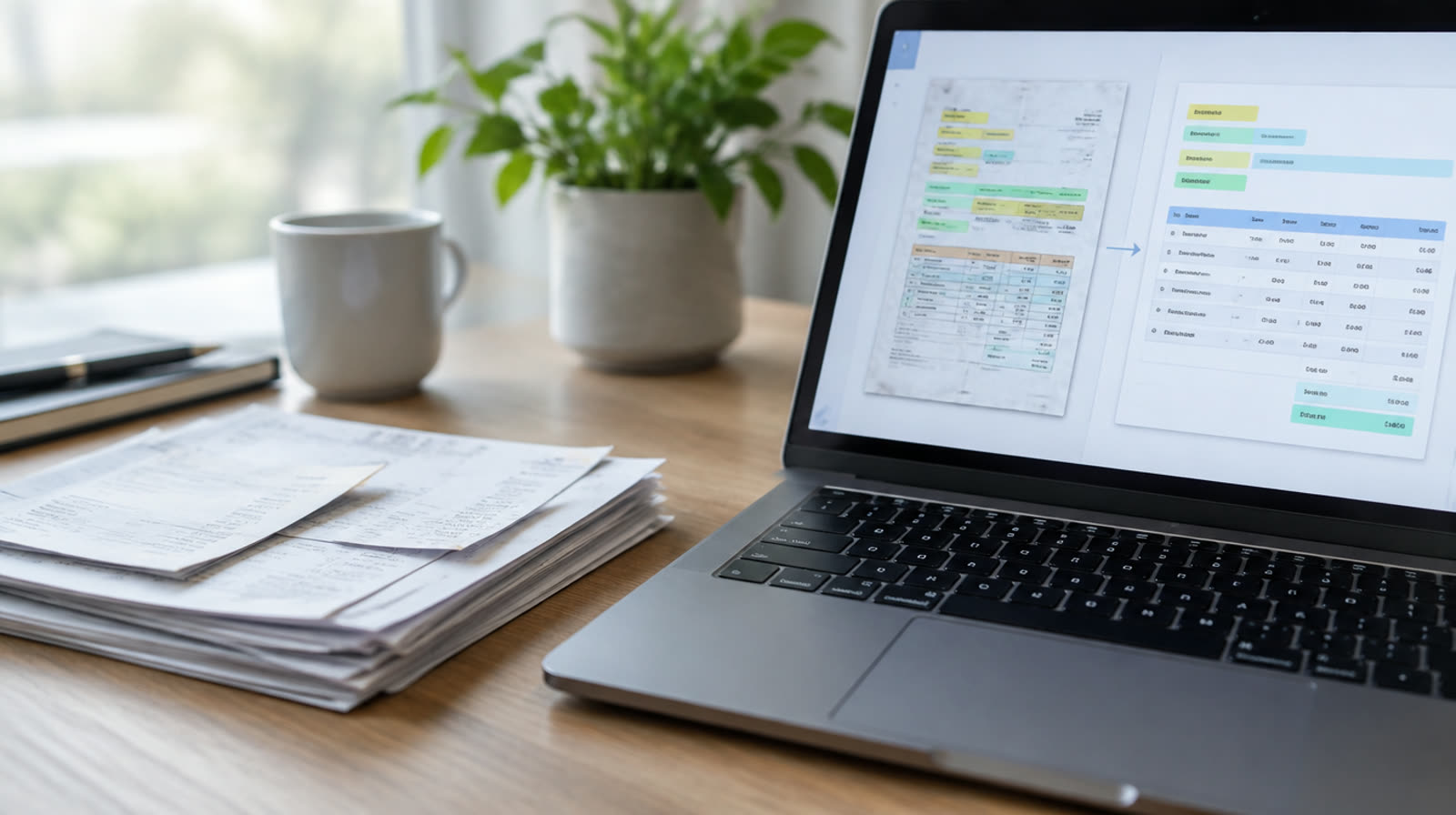
We build AI that reads invoices, receipts, forms, applications and contracts, pulls out the details you need and puts them into your accounting software, CRM or spreadsheets. Anything unclear is flagged for a person to check before it's saved.
- KYMCollect sample documentsDone
- KYMDefine the fields and rulesDone
- KYMBuild and test on your real documentsDone
- KYMSet up a review queueDone
- YouYour approvalWaiting for your approval
- KYMLaunchUp next
- KYMMonitor and improveUp next
Images are illustrations.
What we automate
- Reads invoices and receipts from email, uploads or scans and enters them into your accounting software
- Pulls details from forms, applications and onboarding paperwork
- Summarizes contracts and leases and lists key dates, amounts and terms
- Checks documents against your rules, such as matching an invoice to a purchase order
- Sorts, renames and files documents into the right folders
- Flags missing or unclear information for a person to review
- Asks a person to approve before any payment or record change you choose
- Keeps a simple log of what was processed and who approved it
How it works
- Collect sample documents
- Define the fields and rules
- Build and test on your real documents
- Set up a review queue
- Your approval
- Launch
- Monitor and improve
AI reading isn't perfect, especially with handwriting or poor scans. We test it on your real documents, show you the results, and send anything uncertain to a person. Contract summaries help you read faster; they aren't legal advice.
What you get
- The fields and rules we agreed, in writing
- A test run on your own sample documents, with results you can check
- A review queue for anything uncertain
- Connections to your accounting software, folders or CRM
- A simple processing log
Who it's for
Bookkeepers and finance teams, property managers, insurance and legal offices, and any team retyping data from PDFs.
Works with
Questions
Can it read scans and photos?
Yes. Typed documents and clear scans work best. Handwriting and blurry photos are less reliable, so those go to a person to check.
Will anything be paid or changed without us?
You decide. You choose which steps need a person's OK, and payments or changes to your records can be set to wait for approval. You approve before anything goes live.
Which documents work best?
Documents with a regular layout, like invoices, receipts and standard forms, are the easiest place to start. We test a sample of your real documents first and show you the results before you decide.
Can it read contracts for us?
It can summarize contracts and list key dates, amounts and terms so you can read faster. The summaries aren't legal advice, and decisions stay with you or your lawyer.
Is our data safe?
We use official connections and limit access to what each automation needs. We can discuss private or self-hosted options for sensitive work. Before we build, we agree in writing where your documents are stored, which services process them and who can see them.
Ready to automate this?
Tell us about your business. We'll reply to set up a free call, then send a fixed quote in writing.
Get a quote for thisMore solutions
Workflow & CRM integrations
Connect your apps with Zapier, Make or n8n so information moves on its own and your CRM stays current.
See how it worksReports & back office
Automatic reports, dashboards, approval flows, reminders and recurring admin tasks.
See how it worksCompany knowledge assistant
An internal AI assistant that answers your team's questions from your own documents, with links to its sources.
See how it works